
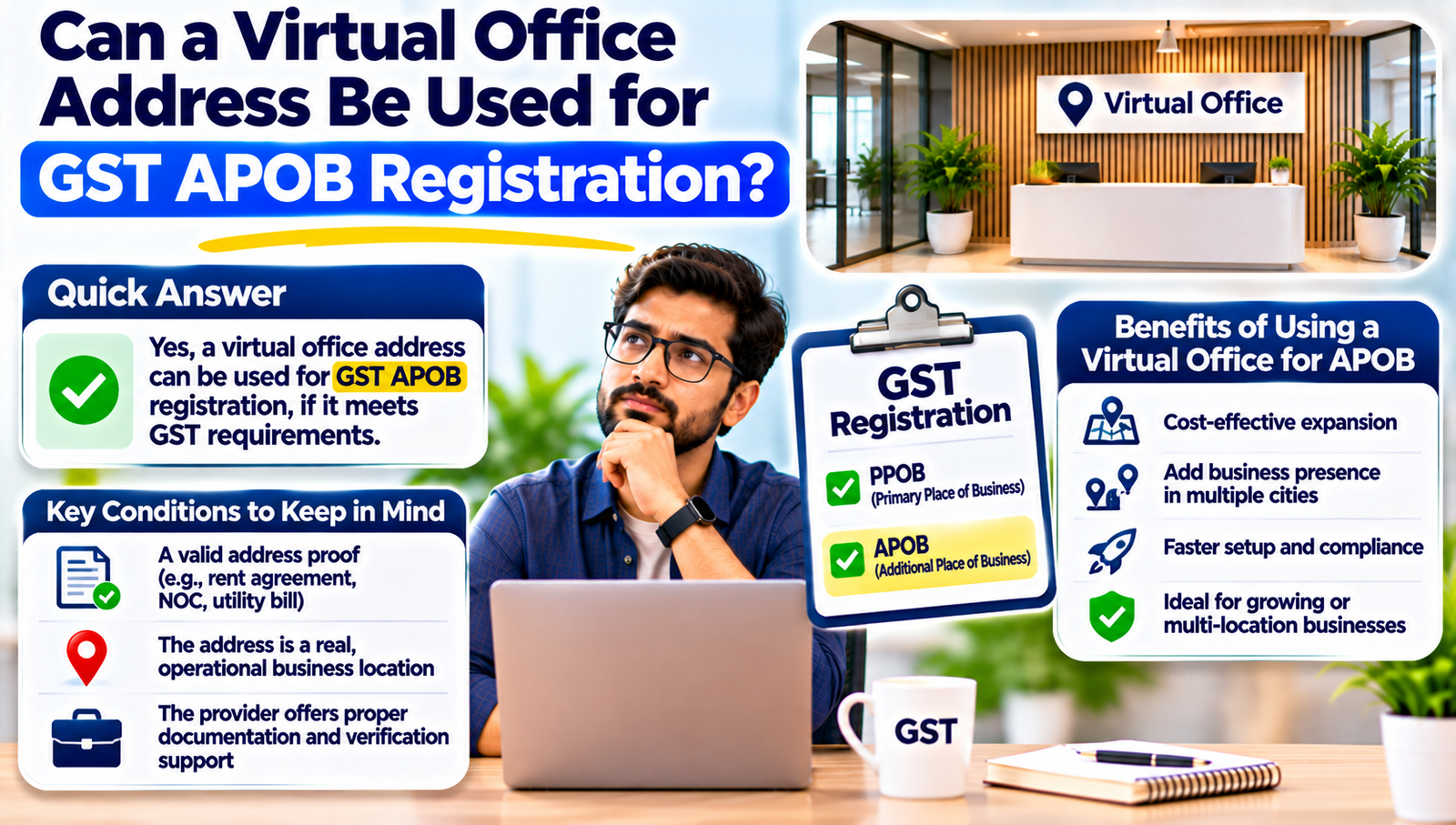
Expanding business operations across different locations does not always mean renting a traditional office. Many startups, service providers, consultants and e-commerce businesses consider virtual offices to establish a business presence while managing workspace costs.
However, businesses often have one important question: Can a virtual office address be used for GST APOB registration?
Yes, a virtual office may be declared as an Additional Place of Business (APOB) under GST, provided the arrangement satisfies applicable legal and documentation requirements. The business must have legitimate premises-use rights, and the declared location must genuinely qualify as a place of business.
Simply purchasing a mailing address does not automatically make it eligible for GST registration.
This guide explains virtual office APOB eligibility, required documents, registration steps, physical verification, costs and common application mistakes in India.
Can a Virtual Office Address Be Used for GST APOB Registration?
A virtual office can potentially qualify as an Additional Place of Business under GST. However, acceptance depends on the actual premises arrangement and the applicant’s business activities.
Is a Virtual Office Address Acceptable as an Additional Place of Business?
GST law does not impose a blanket prohibition on virtual office addresses.
A location may be declared as an APOB where it genuinely qualifies as a place of business and the applicant can establish appropriate rights to use it.
What Conditions Must a Virtual Office Meet?
A suitable virtual office arrangement should generally have:
- An identifiable physical location
- Legitimate premises-use rights
- Accurate address details
- Appropriate supporting documents
- A genuine connection to business activities
- Arrangements that permit verification where legally required
Why a Mail-Only Address May Not Be Sufficient
A mail-only service primarily provides correspondence handling.
If the business has no legitimate premises-use rights or relevant business activity at the location, merely receiving letters there may not establish a qualifying APOB.
Does a Virtual Office Guarantee GST APOB Approval?
No. Approval depends on statutory requirements, the accuracy of submitted information and applicable verification procedures.
A provider cannot guarantee approval simply by supplying an address or NOC.
What Is an Additional Place of Business (APOB) Under GST?
An Additional Place of Business is a business location declared under an existing GST registration in addition to its principal place of business.
Meaning of APOB in GST
APOB refers to an additional premises associated with the registered person’s business activities within the relevant state or union territory.
Principal Place of Business (PPOB) vs Additional Place of Business (APOB)
| Factor | PPOB | APOB |
|---|---|---|
| Meaning | Principal business location | Additional declared location |
| GST registration | Identified as the main location | Linked to an existing GSTIN |
| Number | One principal location per registration | Multiple locations may be declared |
| Typical examples | Main office or business premises | Branch, warehouse, additional office |
| Address documentation | Required as applicable | Required as applicable |
Common Examples of Additional Business Locations
APOBs may include branch offices, warehouses, fulfilment centres, storage premises and other qualifying business locations.
Why Businesses Add APOBs to Their GST Registration
Businesses may add APOBs when they expand operations, open new branches or begin using additional premises within a state.
How APOBs Appear in GST Registration Records
Declared additional places of business are reflected in the registration particulars and relevant registration certificate information.
When Should a Business Register a Virtual Office as an APOB?
A virtual office should be considered for APOB declaration when it is genuinely used as an additional business location.
Operating From More Than One Business Location
A registered business may operate from multiple qualifying premises within the same state.
Using a Virtual Office for Genuine Business Activities
A virtual office arrangement may support administrative work, meetings or other legitimate activities where the facilities and permissions allow them.
Managing Regional Business Operations
Businesses may use additional locations to coordinate regional activities or support local teams.
Using Shared Workspace Facilities
A coworking or shared workspace may qualify where the business has suitable premises-use rights and supporting documentation.
E-commerce and D2C Business Scenarios
E-commerce businesses may require additional premises declarations for warehouses, fulfilment facilities or other actual business locations.
When a Correspondence-Only Address Should Not Be Declared as an APOB
A business should not declare an address as an operational premises merely because a provider offers mail collection there.
The declaration must reflect the genuine nature of the arrangement.
What Are the Eligibility Requirements for Virtual Office APOB Registration?
Eligibility depends on the existing GST registration, the premises and the business’s actual use.
Valid GST Registration in the Relevant State
The business should have a GST registration for the state or union territory in which the proposed APOB is located.
Genuine Business Use of the Additional Premises
The declared premises should have a legitimate connection with the business activities covered by the registration.
Legal Right or Permission to Use the Address
The business should have valid ownership, tenancy, licence, consent or another appropriate premises-use arrangement.
Accurate Address and Location Details
The application should contain the correct building, unit, floor, locality, city, state and PIN code.
Supporting Premises Documents
The applicant must provide documentation appropriate to the nature of possession.
Business Activity and Nature of Possession
The declared nature of business and possession should accurately describe the arrangement.
Applicable GST Verification Requirements
The applicant must comply with any lawful clarification or verification requirements.
What Documents Are Required for Virtual Office APOB Registration?
Documentation depends on the premises arrangement and applicable GST portal requirements.
Existing GST Registration Details
The applicant should identify the correct existing GSTIN.
Virtual Office Agreement or Licence
The agreement should establish the business’s permitted use of the specified premises.
Owner Consent or NOC Where Applicable
Consent documentation may be necessary where the premises are used under a consent-based arrangement.
Property Ownership or Supporting Premises Evidence
Relevant property documents may be required to establish the premises and the authority of the person granting use.
Electricity Bill or Other Accepted Address Proof
An accepted electricity bill, property tax receipt or other prescribed evidence may support the address.
Business Entity and Authorised Signatory Details
The amendment must be submitted through an appropriately authorised person.
Additional Supporting Documents Where Requested
The GST authorities may request further information where legally permitted.
| Document | Purpose | Applicability |
|---|---|---|
| Existing GSTIN | Identify current registration | Required |
| Virtual office agreement | Establish premises-use arrangement | As applicable |
| Owner consent/NOC | Establish permission | Where applicable |
| Ownership or property evidence | Support premises authority | As applicable |
| Utility or property tax document | Support physical address | As applicable |
| Authorised signatory information | Validate application | Required as applicable |
| Additional clarification documents | Address verification concerns | If requested |
How to Add a Virtual Office as an Additional Place of Business in GST
The process involves amending the existing GST registration through the official portal.
Step 1: Verify the Virtual Office Address and Documents
Check that the agreement, address and premises evidence are accurate and consistent.
Step 2: Log In to the GST Portal
Visit www.gst.gov.in and sign in using the relevant GST registration credentials.
Step 3: Open the Applicable Registration Amendment Service
Navigate to Services → Registration and select the amendment facility applicable to Additional Places of Business.
The classification and workflow may change under updated GST portal procedures. Do not assume the APOB change always requires a core-field amendment.
Step 4: Navigate to Additional Places of Business
Open the relevant section of the registration amendment application.
Step 5: Add the New APOB Address
Enter the complete address, including unit, building, locality, state and PIN code.
Step 6: Select the Nature of Possession and Business Activity
Choose the options that accurately represent the premises arrangement and activities.
Step 7: Upload Applicable Address Documents
Attach the required agreement, consent and supporting premises evidence.
Step 8: Verify and Submit the Amendment Application
Complete the applicable electronic verification process and submit the amendment.
Step 9: Track the Application Status
Monitor the GST portal for processing updates, clarifications or approval.
Step 10: Review the Updated Registration Certificate
Confirm that the additional location appears correctly in the updated registration records.
Can You Add a Virtual Office as an APOB in Another State?
An APOB cannot simply be added under a GSTIN belonging to a different state.
Why GST Registration Is State-Specific
GST registration is linked to a particular state or union territory.
The first two digits of a GSTIN identify the registration’s state code.
Can an APOB Be Added Under a GSTIN From Another State?
No. A Haryana GSTIN, for example, cannot be used to declare a Delhi premises as an APOB under that Haryana registration.
When Separate State GST Registration May Be Required
A separate registration may be required when the business becomes liable to register in the destination state.
Difference Between Expanding Within a State and Expanding Across States
An additional qualifying location within the same state may be declared under an existing GSTIN.
Expansion into another state requires a separate assessment of registration obligations.
How to Manage Business Addresses in Multiple States
Maintain a central address register mapping each location to the relevant legal entity, GSTIN and supporting documents.
Can E-commerce Sellers Use a Virtual Office for GST APOB Registration?
E-commerce businesses must distinguish administrative addresses from actual storage and fulfilment locations.
When an E-commerce Seller May Need an APOB
An APOB may be relevant when the seller operates from additional qualifying premises within the state.
Warehouses and Fulfilment Locations
Warehouses and fulfilment centres used for storing or dispatching inventory may need to be declared as applicable.
Marketplace Inventory and Business Address Requirements
Marketplace requirements should be reviewed alongside GST obligations.
Virtual Office vs Physical Storage Location
A virtual office used for administrative activities is not automatically the same as a warehouse where inventory is physically stored.
Why Actual Inventory Locations Matter
Inventory locations affect stock records, movement of goods, verification and tax compliance.
Address Documentation for E-commerce Operations
Maintain appropriate agreements and supporting evidence for each actual business location.
How Does GST Physical Verification Work for Virtual Office APOBs?
GST authorities may verify declared premises where the applicable legal procedures permit or require it.
When GST Authorities May Verify an APOB
Verification may arise during registration-related scrutiny, compliance checks or other lawful proceedings.
What Officers May Check at the Declared Address
Officers may examine the premises, address accuracy, supporting documents and the nature of the business’s presence.
Business Presence and Premises-Use Evidence
The applicant should be able to demonstrate its legitimate connection to the declared location.
Provider Agreements and Access Arrangements
The agreement should accurately explain the business’s access and use rights.
Common Verification Concerns
Concerns may arise when the address cannot be located, the provider lacks authority or the applicant cannot substantiate the declared business use.
How to Prepare Accurate Supporting Records
Maintain genuine agreements, consent documents, correspondence and other relevant records.
Do not create artificial evidence of business activity.
What Are the Common Reasons for Virtual Office APOB Registration Rejection?
An APOB amendment may be rejected or questioned when the submitted information does not satisfy applicable requirements.
Insufficient Evidence of Genuine Business Use
The applicant may be unable to establish why the location qualifies as an additional place of business.
Incorrect or Incomplete Address Documents
Missing or inconsistent documents can lead to clarification requests.
Missing Owner Consent Where Required
A consent-based arrangement may be inadequately documented.
Address Mismatch Between Agreements and Application
Differences in unit numbers, floors, building names or PIN codes can create verification concerns.
Provider Without Appropriate Premises Authority
A provider must have sufficient authority to grant the relevant premises-use rights.
Mail-Only Address Presented as an Operational Location
A correspondence service should not be misrepresented as a business premises.
Incorrect State or GSTIN Selection
The proposed APOB must be associated with the correct state registration.
Failure to Respond to Clarification Notices
Failure to respond within the prescribed period can result in an adverse decision.
Virtual Office vs Physical Office for GST APOB Registration
Both arrangements may be suitable depending on the business’s actual needs.
Premises Availability and Business Use
A physical office may provide dedicated facilities.
A virtual office may offer limited or shared access, depending on the agreement.
Address Proof Requirements
Both arrangements require appropriate evidence of premises-use rights.
Verification Considerations
The declared business location must be capable of appropriate verification.
Costs and Operational Flexibility
Virtual office arrangements may have lower fixed workspace costs, while dedicated offices may provide greater operational control.
Mail Handling and Business Communication
Mail handling varies by provider and service agreement.
Which Option Fits Different Business Activities?
| Factor | Virtual Office | Physical Office |
|---|---|---|
| Workspace | Shared or limited, depending on agreement | Usually dedicated |
| Cost | Provider- and package-dependent | Rent and operating expenses |
| Business use | Must match permitted facilities | Depends on lease and premises |
| Address documentation | Appropriate licence, consent and proof | Ownership or tenancy evidence |
| Verification | Subject to applicable rules | Subject to applicable rules |
| Storage of goods | Not necessarily available | Depends on premises suitability |
| Mail handling | Often provider-managed | Usually business-managed |
How Much Does Virtual Office APOB Registration Cost?
Adding an APOB through the GST portal does not carry a government amendment application fee.
Government GST Amendment Fees
The government GST registration amendment application fee is ₹0.
Virtual Office Service Charges
The virtual office provider may charge for premises access, address services and other facilities.
Address Documentation Costs
There may be costs associated with genuine agreements or other documentation.
Professional Assistance Fees
A tax consultant or professional may charge for optional application support.
Additional Costs for Workspace Access and Mail Handling
Meeting rooms, workspace access and courier forwarding may involve additional charges.
Why Lower Pricing Does Not Guarantee Compliance
An inexpensive address is not necessarily suitable for GST purposes.
Document validity and genuine premises-use rights matter more than the lowest advertised price.
How to Choose a Virtual Office Provider for GST APOB Registration
Businesses should evaluate the provider before entering into an agreement.
Verify the Physical Address
Confirm that the premises exist and the complete address is accurate.
Confirm Permitted Business Use
Check whether the agreement permits the activities for which the address will be declared.
Review Agreements and Supporting Documents
Examine the agreement and applicable premises documents before payment.
Check the Provider’s Authority Over the Premises
Confirm that the provider can legitimately grant the proposed rights.
Understand Workspace Access Arrangements
Ask whether the business can access the premises and under what conditions.
Confirm Mail and Government Notice Handling
Understand how official correspondence is received, recorded and communicated.
Review Renewal and Cancellation Terms
Check expiry dates, renewal charges, notice periods and post-closure obligations.
Avoid Guaranteed GST Approval Claims
Choose providers that explain documentation requirements without promising automatic approval.
Virtual Office APOB Registration Checklist
| Requirement | Status |
|---|---|
| Confirm whether the address qualifies as an APOB | Pending |
| Check the relevant state GSTIN | Pending |
| Verify genuine business use | Pending |
| Confirm premises-use rights | Pending |
| Collect applicable address documents | Pending |
| Check address consistency | Pending |
| Submit the applicable GST amendment | Pending |
| Track the application | Pending |
| Respond to clarifications | Pending |
| Verify updated GST records | Pending |
Final Words
A virtual office address may be used for GST APOB registration when the business has genuine premises-use rights, appropriate documentation and a legitimate reason to declare the location as an additional place of business.
However, not every virtual office or mail-handling service automatically qualifies.
Before applying, businesses should verify the provider’s authority, review the agreement, confirm the correct state GSTIN and prepare accurate address documents.
The most important consideration is whether the declared address genuinely meets the requirements of a place of business under GST.
FAQs About Virtual Office APOB Registration
Can a virtual office be used as an additional place of business under GST?
Yes, potentially. The arrangement must establish genuine premises-use rights and satisfy applicable GST requirements.
Is virtual office APOB registration legal in India?
GST law does not impose a blanket prohibition on virtual offices. Eligibility depends on the actual premises arrangement and compliance with the relevant provisions.
What documents are required for GST APOB registration using a virtual office?
Documents may include the virtual office agreement, owner consent where applicable, supporting property evidence and other accepted address proof.
Can I add an APOB to my existing GST registration?
Yes, if the additional premises qualify and are located within the state or union territory covered by the relevant GSTIN.
Can an APOB be located in a different state from my GSTIN?
No. A separate state registration may be required depending on the business’s activities and applicable registration obligations.
Is an NOC mandatory for virtual office APOB registration?
Not universally. Consent documentation may be required depending on the nature of possession and the supporting premises arrangement.
Can an e-commerce seller use a virtual office as an APOB?
Potentially, yes, where it is a genuine qualifying business location. Actual warehouses and inventory locations must be assessed separately.
Does GST physical verification apply to virtual office APOBs?
Physical verification may occur under applicable GST procedures. The business should maintain accurate documentation and legitimate premises access arrangements.
How much does it cost to add a virtual office as an APOB?
There is no government fee for submitting a GST registration amendment. Virtual office services, documentation and optional professional assistance may involve separate costs.
What happens if a virtual office APOB application is rejected?
Review the stated reasons and applicable remedies. Depending on the circumstances, the business may need to correct documentation, seek professional advice or pursue an available statutory remedy.